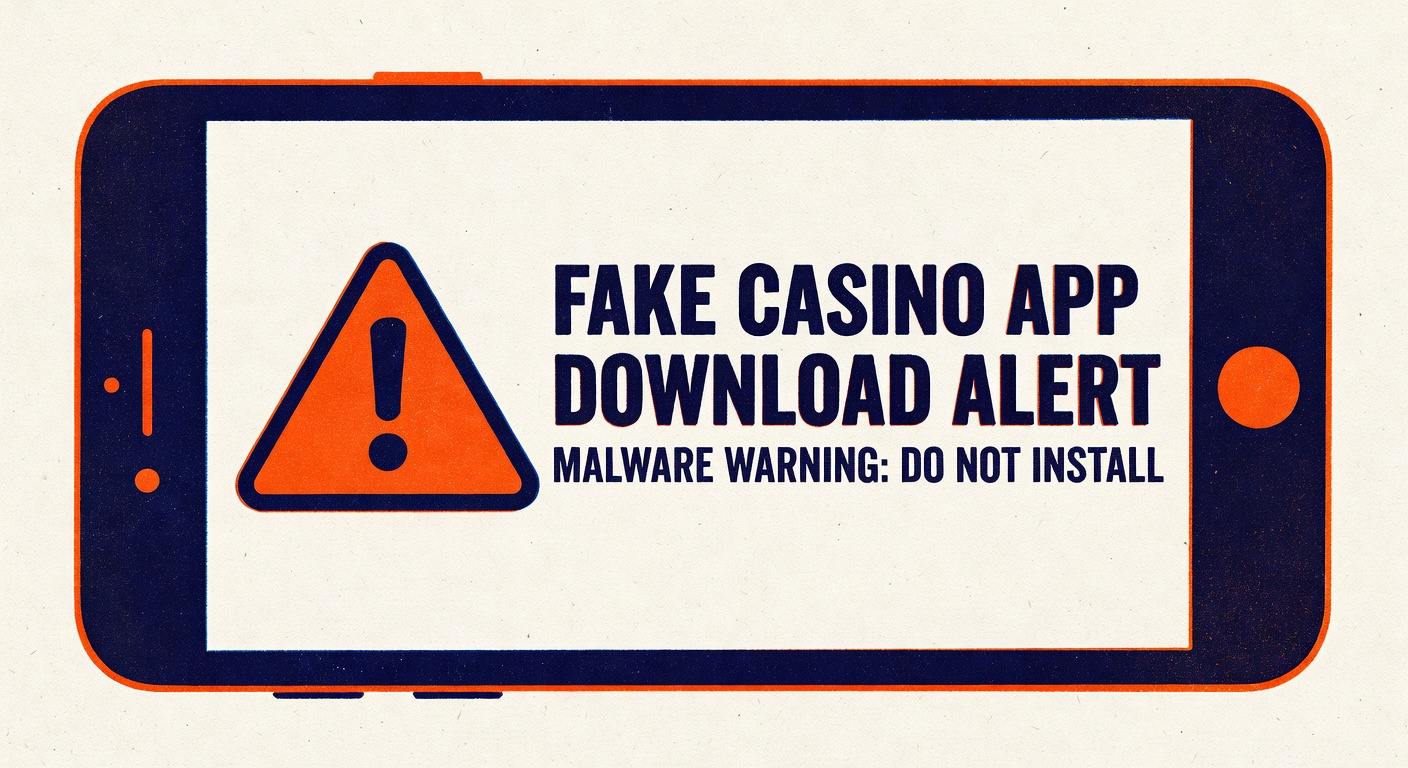
Fake casino apps are the blooper reel of the mobile era. They look legit in the tile, they crash the first time you open them, and by Tuesday your card is shopping in a country you have never visited. This is the full-court press on the problem.
The league has changed. Real casinos live on licensed operator sites, not in sketchy sideloads. If an install path takes you through a screenshot of a QR code on a random Discord server, you are already losing the opener.
1. Check The Store, Not The Ad
Ads on social media are where fake apps recruit. The ad sends you to a fake listing or a direct APK download. Cut that route. If you want a casino app, go straight to the official operator site, log in, and follow their download link. Or search the App Store or Google Play by the exact operator name. If the store listing is not there, that is not a scouting secret. It means the operator does not have a mobile app in your region, and nothing you download from a third party is going to fix that.
2. Verify The Developer Name
Big operators publish apps under their legal entity name, which is usually boring and matches the name at the bottom of their website. If the developer on the listing is Studio_Games_777 and the operator is a major European book, that is a fumble. Real operators do not use aliases. The developer field is the jersey; check the jersey.
3. Look At The Review Graveyard
Fake apps have two review patterns. Either a wall of five-star reviews posted in a three-day window, all written in the same cadence (stats say a botnet), or a scattering of one-star reviews from users reporting that the app asked for weird permissions and never loaded a game. Either is a red flag. Real operator apps have years of mixed reviews, because real operators have bugs, payout complaints, and the occasional cranky regular.
4. Permissions Are The Tell
A legitimate casino app needs network access, storage for the game assets, and maybe your camera for ID verification. It does not need SMS reading, accessibility services, or the ability to draw over other apps. If you install something and Android asks you to grant accessibility permission before the app will load, that is the equivalent of your quarterback calling a fake punt on first down. Decline and uninstall. Accessibility permission lets an app read anything on your screen, including your banking app's one-time codes.
5. The Banking Trojan Pattern
This is the play you need to see coming. A whole category of mobile malware poses as free casino or gambling apps, asks for accessibility permissions on first launch, then sits dormant until you open your banking app. The trojan reads your login and your two-factor code and pipes them to an attacker. By the time you notice, the money is in crypto and the account is locked. Gustuff, Anubis, and Cerberus are the named variants. They all pinch-hit as something harmless in the install tile.
6. The Crypto Wallet Drainer
A newer variant targets players who have crypto wallets on the same phone. The fake app is a supposed crypto casino with a built-in wallet integration. The connect-wallet button routes through a malicious contract that requests unlimited spend approval. You tap yes without reading, and your USDT balance migrates without you. If an app asks you to connect a wallet and approve an unlimited allowance, the allowance is the predicted stat line: whatever is in the wallet is what is about to move.
7. Two-Factor As A Backstop
Assume you will make at least one bad install in your lifetime. The defense is making that install not matter. Keep your banking app and your brokerage and your crypto wallets on a separate device if you can, or at minimum use hardware-backed 2FA (a security key or the phone's secure enclave through something like Passkeys) rather than SMS codes. Malware that can read SMS cannot read a hardware key. The key is the goalie you actually wanted.
8. When In Doubt, Browser First
Here is the prediction. Nine times out of ten, the mobile web version of the casino you want to play at is good enough. It runs in the browser. It cannot read your other apps. It cannot request accessibility. It updates automatically. Unless you are a grinder who is going to play three hours a day, the app is a convenience that is not worth the install risk. Open the mobile site, bookmark it, and save the install path for operators whose apps are actually in the store.
That is the halftime wrap. Play in the front yard, not the alley. If the install path feels like a broken audible, it is.